The Local Agent Verifying His Work in a React Native App
Closing another step in the loop
In the last post on agentic development for React Native we've outlined a way to streamline parallel work.
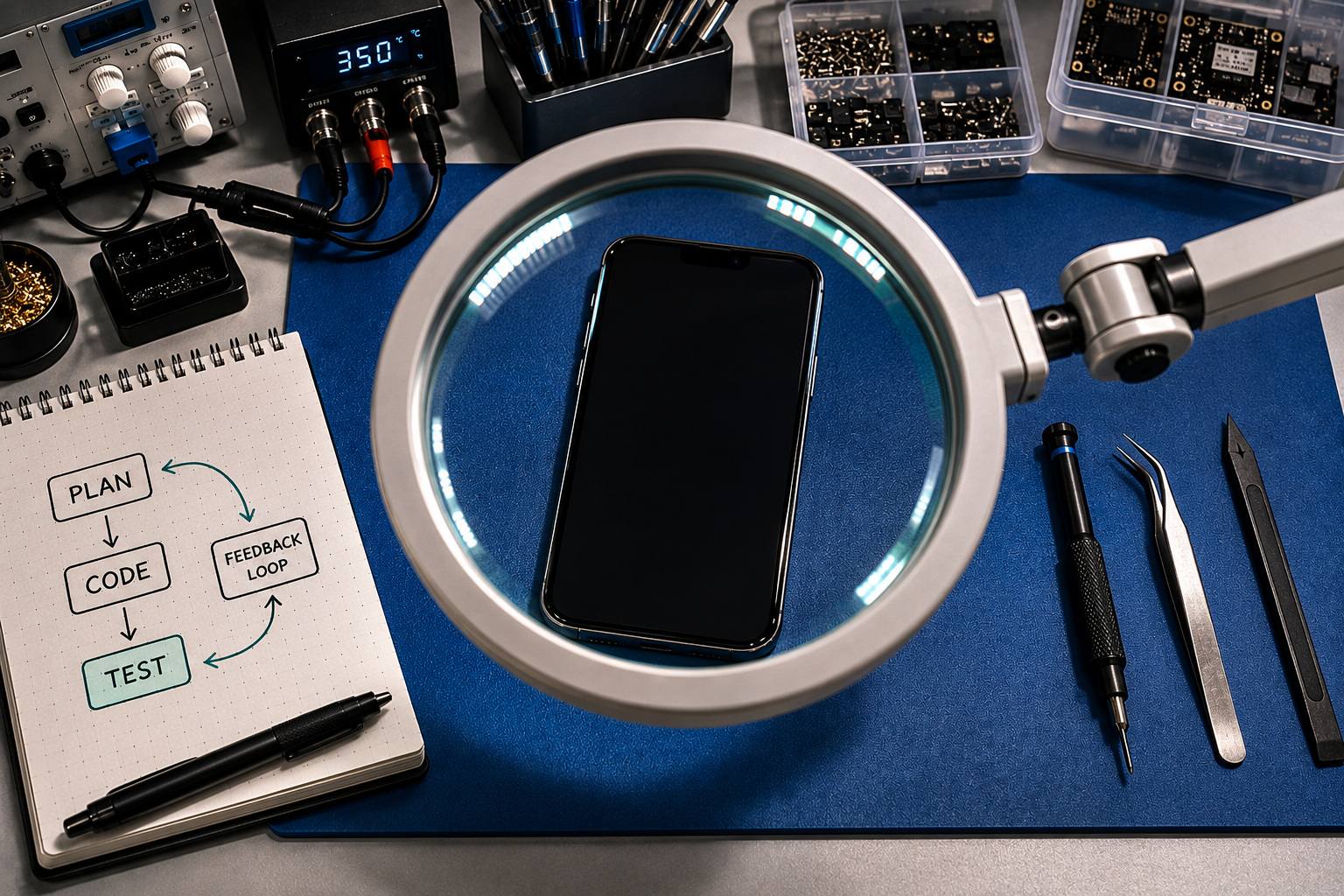
Currently another important limitation of agentic development is agents often being unable to verify their own work - leaving it to the human to do the testing and then describing them what is going wrong. Something that is usually tedious work and to most of us quite frankly annoying (shoutout to QA people!). Closing this feedback gap during ongoing development in the automatization loop saves another few steps requiring human intervention.
Interestingly, this not only saves "human agent sitters" from manually intervening, but also makes it possible for agents to not be forced to one-shot solutions to a problem. Just as we developers build in verifyable steps, we can also nudge our agent to do the same: Possible implementation errors are in a smaller scope, more easily found and fixes can be more targeted. Ultimately, it reduces slop generation, as it avoids the LLM spitting out one un-debuggable pile of code.
How it looks like in action
I had programmed the first version animation and interaction logic of a ranking quiz myself (some stuff you still just want to create yourself and understand to be able to fix it). It works perfectly, but something was still lacking: if a user wants to drag an item to an already taken slot, the other already ranked items should move "to make space" for it.
agent-device.agent-device to the rescue
Callstack some months ago introduced agent-device - a inspection / interaction / debugging CLI tool for live apps in simulators and real devices. It allows an agent to interact with the app it is currently writing code for and thus testing its changes live in the simulator.
Integrating it into my agentic workflow
The integration itself is actually surprisingly lightweight and builds up on my existing setup.
- Install the agent-device CLI
- Add the agent-device skills to the project (see again the README in the repo)
- Mention agent-device in the
AGENTS.mdto pick the worktree's simulator - always:
...

## Important Rules

- When using `agent-device` on iOS simulators, always use `SIM_UDID` from `.env.simulator` as the `--udid` argument

...
- In the next prompt mention to the agent to test his changes himself using agent-device.
What it enables and causes
One of the (minor) drawbacks I've been noticing is that the testing loop inside the coding harness using agent-device is rather slow compared to manual testing. The second, arguably bigger one, is its apparent token hungriness, which is possibly aleviated by a testing subagent which exclusively manages the UI testing to better control context growth.
Ultimately, I appreciate it just saving me from this annoying basic functionality review and needing to describe what's not working.
