Experiment: The Complete Nuxt 4 Cross-Platform Trio: Building a Web App & Mobile App with Nuxt Layers
August 2025
Abstract
This guide demonstrates how to build a modern cross-platform application using Nuxt 4 with a monorepo architecture that shares code between web and mobile platforms. By leveraging Nuxt layers, Capacitor for native mobile deployment, and a unified design system with Nuxt UI, we’ll create a maintainable codebase where components, styling, and business logic can easily be shared across all platforms.
The setup includes three core projects:
- a shared layer containing reusable components and configuration,
- a web application for browser deployment,
- and a Capacitor-powered mobile app for iOS and Android.
We'll also roughly introduce a workspace-wide ESLint configuration and a consistent design system using Tailwind CSS and Nuxt UI.
This architecture provides significant advantages for teams building both web and mobile applications: reduced code duplication, consistent user experience across platforms, streamlined maintenance, and faster feature development. The resulting monorepo structure scales well for production applications while maintaining clear separation of concerns between shared and platform-specific code.
What we’ll build: A complete monorepo with shared UI components, unified styling, and deployments for web browsers, iOS, and Android from a single codebase.
Target audience: Developers familiar with Vue.js and TypeScript who want to build cross-platform applications efficiently.
Directory structure
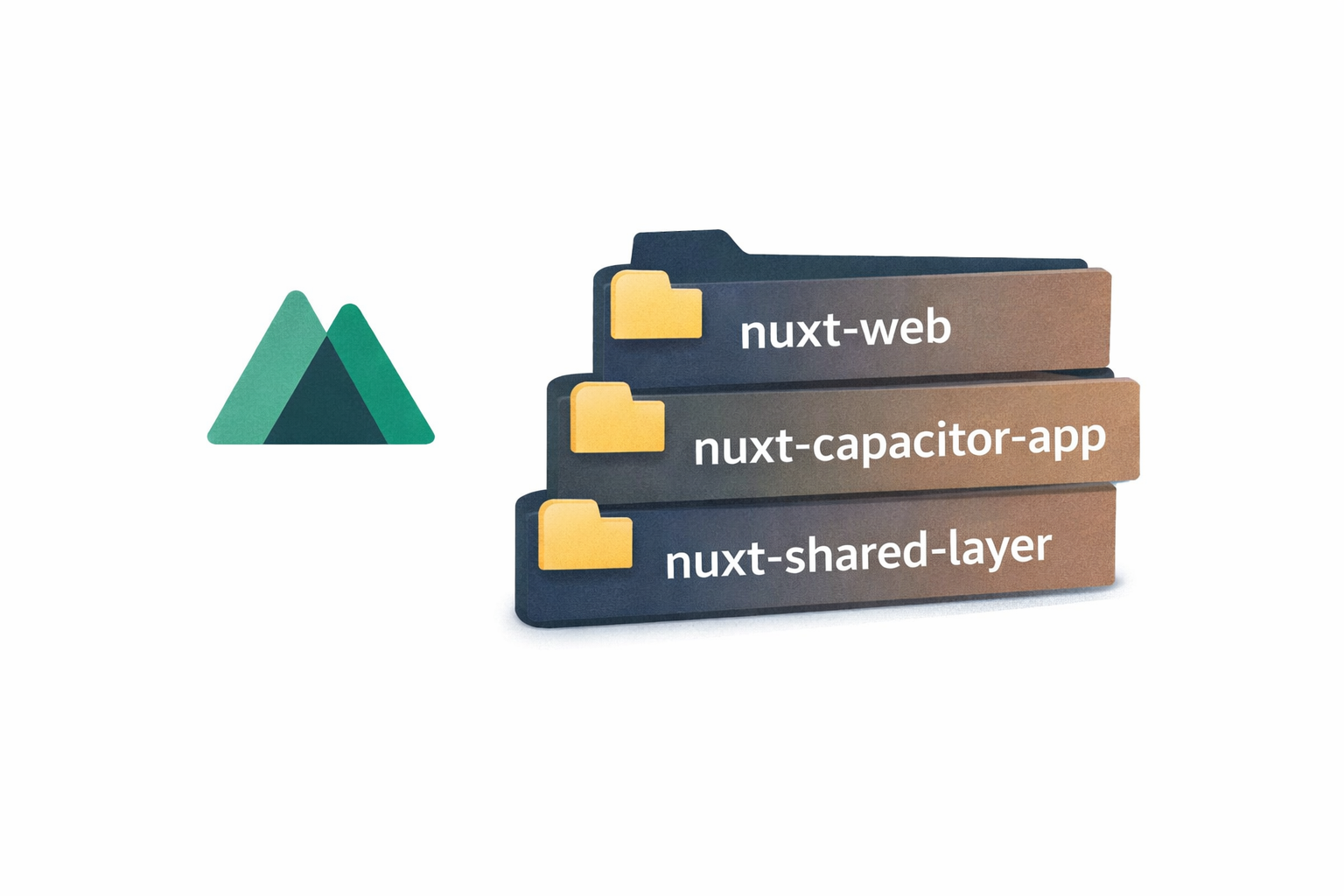
We will end up with three directories:
nuxt-web-and-capacitor-appsnuxt-shared-layer- This will serve for shared UI components, shared config and the API layer with the backend — all things we can and should share between our browser frontend and our app
nuxt-capacitor-app- This will contain all the app specific code of our project
- It will also contain the Xcode and Android Studio wrapper projects we will need for building our app
- It will import from the shared layer
nuxt-web- This will contain our “normal” Nuxt frontend for our web application we are used to
- It will import from the shared layer
├── nuxt-capacitor-app/
├── nuxt-web/
└── nuxt-shared-layer/
Prerequisites
- pnpm (I used v10.13.1)
- node (I used v24.4.1)
For mobile development:
- Xcode (macOS only) - for iOS development
- Android Studio - for Android development
Knowledge Requirements:
- Basic familiarity with Vue.js 3, Nuxt and TypeScript
- Command line operations
Recommended:
- VS Code with
- ESLint,
- Vue,
- Tailwind CSS IntelliSense extensions
Initializing the pnpm Monorepo Workspace
Before we scaffold any Nuxt projects, we start by setting up the monorepo root with pnpm workspaces.
Create the root project folder and initialize it:
~ mkdir nuxt-web-and-capacitor-apps
~ cd nuxt-web-and-capacitor-apps
~ pnpm init
Add the pnpm workspace file:
In the root directory, create an initial pnpm-workspace.yaml file with the following contents:
packages:
  - nuxt-capacitor-app
(nuxt-capacitor-app will be created in the following step)
Setup of the mobile app: nuxt-capacitor-app
First, we set up the project nuxt-capacitor-app which will contain our Capacitor app.
Rather than duplicating the excellent guide in https://capgo.app/blog/building-a-native-mobile-app-with-nuxt-3-and-capacitor/, we follow it until we have the project running.
Some notes:
capacitor.config.jsonchanges were not necessary anymore at the time I tried (already asked in the setup of capacitor)- The reverse domain identifier for the app ID should not contain dashes or anything else than numbers, letters and dots — Android does not like that
- Opening Xcode for the first time might not work via the
pnpx cap run ioscommand for some reason - it just opens an empty project. However, opening Xcode and the selecting the Xcode project of our capacitor project works.
Our (non-essential) adjustments
Lets change app/app.vue to a very simple Vue component: (Not essential)
<script lang="ts">
</script>

<template>
  Hello World from the app!
</template>
Seeing the first changes
pnpm run dev should show us the Hello World message in the browser.
pnpm exec cap sync ios and pnpm exec cap run ios sync the Nuxt project with the Xcode project and then opens the project in Xcode, ready to run. Once complete, Xcode offers us either execution in a simulator or on-device, in case we have one connected.
Finally, one can add those commands to the scripts section of the package.json.
{
// ...
  "scripts": {
    // ...
    "cap:sync:ios": "pnpm exec cap sync ios",
    "cap:open:ios": "pnpm exec cap open ios"
  }
// ...
}
References & Read More
Setup of the web app: nuxt-web
Create a new Nuxt project within our root folder:
~ pnpx nuxi init
- Choose the directory - for us it is
nuxt-web - As package manager I use pnpm
- We don’t want to initialize a git repo
- … nor install modules (for the moment)
Our (non-essential) adjustments
Again we simplify app.vue: nuxt-web/app/app.vue also starts off as a very simple Vue component:
<script lang="ts">
</script>

<template>
  Hello World from the web!
</template>
Now, pnpm run dev should show us the Hello World message in the browser.
Extending the pnpm workspace
In the root of our pnpm workspaces we add nuxt-web to the list:
packages:
  - nuxt-capacitor-app
  - nuxt-web
References & Read More
Setup of the shared layer: nuxt-shared-layer
Again, in our root folder:
~ pnpx nuxi init -t layer nuxt-shared-layer
We don't select any modules to be installed to start off gradually.
With this setup, the project also includes a .playground folder, which allows us to build a small demo application containing f.e. our shared UI components.
Our (non-essential) adjustments
We will also need to delete the app.vue file at the root of the layer to avoid errors like this in the output of pnpm run dev:
4:00:39 PM WARN nuxt Your project has pages but the
<NuxtPage />component has not been used. You might be using the<RouterView />component instead, which will not work correctly in Nuxt. You can set pages: false in nuxt.config if you do not wish to use the Nuxt vue-router integration.
~ cd nuxt-shared-layer
nuxt-shared-layer/ ~ rm app.vue
Cleaning up app.config.js: This is a config we currently do not use and just clutters our layer.
nuxt-shared-layer/ ~ rm app.config.js
Finally we end up with a brand new Nuxt layer we can share between our two frontend projects.
Extending the pnpm workspace
Again, in the root of our pnpm workspaces we add nuxt-shared-layer to the list:
packages:
  - nuxt-capacitor-app
  - nuxt-web
  - nuxt-shared-layer
Adjusting the build procedure & TypeScript config (and why)
We however cannot use this layer in other projects yet until its nuxt-shared-layer/.nuxt folder is created by Nuxt, as it will contain files which are referenced by the nuxt-shared-layer/tsconfig.json in the layer’s root. nuxt-shared-layer/tsconfig.json in turn is referenced by our web and app projects, such that they cannot be built without the nuxt-shared-layer/.nuxt folder. In short: no nuxt-shared-layer/.nuxt, no working nuxt-shared-layer/tsconfig.json, no successful build in nuxt-web.
And why are we thinking about this? Here’s also the caveat: A layer’s .nuxt folder is not automatically generated when building another Nuxt project where it is being included. In a “normal” project this usually requires either executing the dev script or once the generate script. In case of our layer, the easiest solution would be to just run pnpm run dev:prepare for one-off generation or pnpm run dev for starting the layer-internal development server.
Both of these options however involve building the entire nuxt-shared-layer/.playground Nuxt project and thus the TypeScript will also contain all playground-specific types, something we are not interested in when just using this layer in another Nuxt project like our app or web. nuxt-shared-layer/.playground does not have any use for us in this case.
Thus we create another tsconfig in nuxt-shared-layer/tsconfig.json to make it possible to build the layer standalone without its playground:
{
  // https://nuxt.com/docs/guide/concepts/typescript
  "files": [],
  "references": [
    {
      "path": "./.nuxt/tsconfig.app.json"
    },
    {
      "path": "./.nuxt/tsconfig.server.json"
    },
    {
      "path": "./.nuxt/tsconfig.shared.json"
    },
    {
      "path": "./.nuxt/tsconfig.node.json"
    }
  ]
}
It has the same contents as a normal Nuxt project would.
In fact, we could also just…
nuxt-shared-layer ~ cp .playground/tsconfig.json tsconfig.json
Consequently, we modify the prepare command in nuxt-shared-layer/package.json to prepare the layer and append dev: to the original generate and build commands.
{
// ...
  "scripts": {
    "dev": "nuxi dev .playground",
    "dev:prepare": "nuxt prepare .playground",
    "dev:build": "nuxt build .playground",
    "dev:generate": "nuxt generate .playground",
    "preview": "nuxt preview .playground",
    "prepare": "nuxt prepare",
    "lint": "eslint .",
    "postinstall": "nuxt prepare"
  }
// ...
}
Now pnpm run prepare only builds the files our other projects need.
Adding the postinstall command has pnpm automatically run prepare when initializing the workspace.
References & Read More:
- https://github.com/nuxt/nuxt/issues/25433#issuecomment-2749597059
- https://nuxt.com/docs/4.x/guide/concepts/typescript
Sharing the layer between the web and capacitor-app projects
This is as easy as adding the extends key to nuxt.config.ts in both Nuxt configs of our nuxt-capacitor-app and nuxt-web projects:
export default defineNuxtConfig({
  extends: [
    '../nuxt-shared-layer'
  ],
  // ...
})
Now we have our general scaffolding done!
Directory structure of our finished scaffolding
├── nuxt-capacitor-app/
│   ├── app/
│   │   └── pages/
│   │       └── index.vue
│   ├── capacitor.config.ts
│   ├── ios/
│   │   └── ...
│   ├── nuxt.config.ts
│   ├── package.json
│   └── tsconfig.json
├── nuxt-shared-layer/
│   ├── .playground/
│   │   ├── app/
│   │   │   └── app.vue
│   │   ├── app.config.ts
│   │   ├── nuxt.config.ts
│   │   └── tsconfig.json
│   ├── components/
│   │   └── HelloWorld.vue
│   ├── nuxt.config.ts
│   ├── package.json
│   └── tsconfig.json
├── nuxt-web/
│   ├── app/
│   │   └── pages/
│   │       └── index.vue
│   ├── nuxt.config.ts
│   ├── package.json
│   └── tsconfig.json
├── package.json
├── pnpm-lock.yaml
└── pnpm-workspace.yaml
We can now commit this to a mono-repo. Every time we clone this repo, we just need to run pnpm i in its root and we are all set!
